Live lectures
Small groups
Every lecture recorded
Lifetime access
About the course
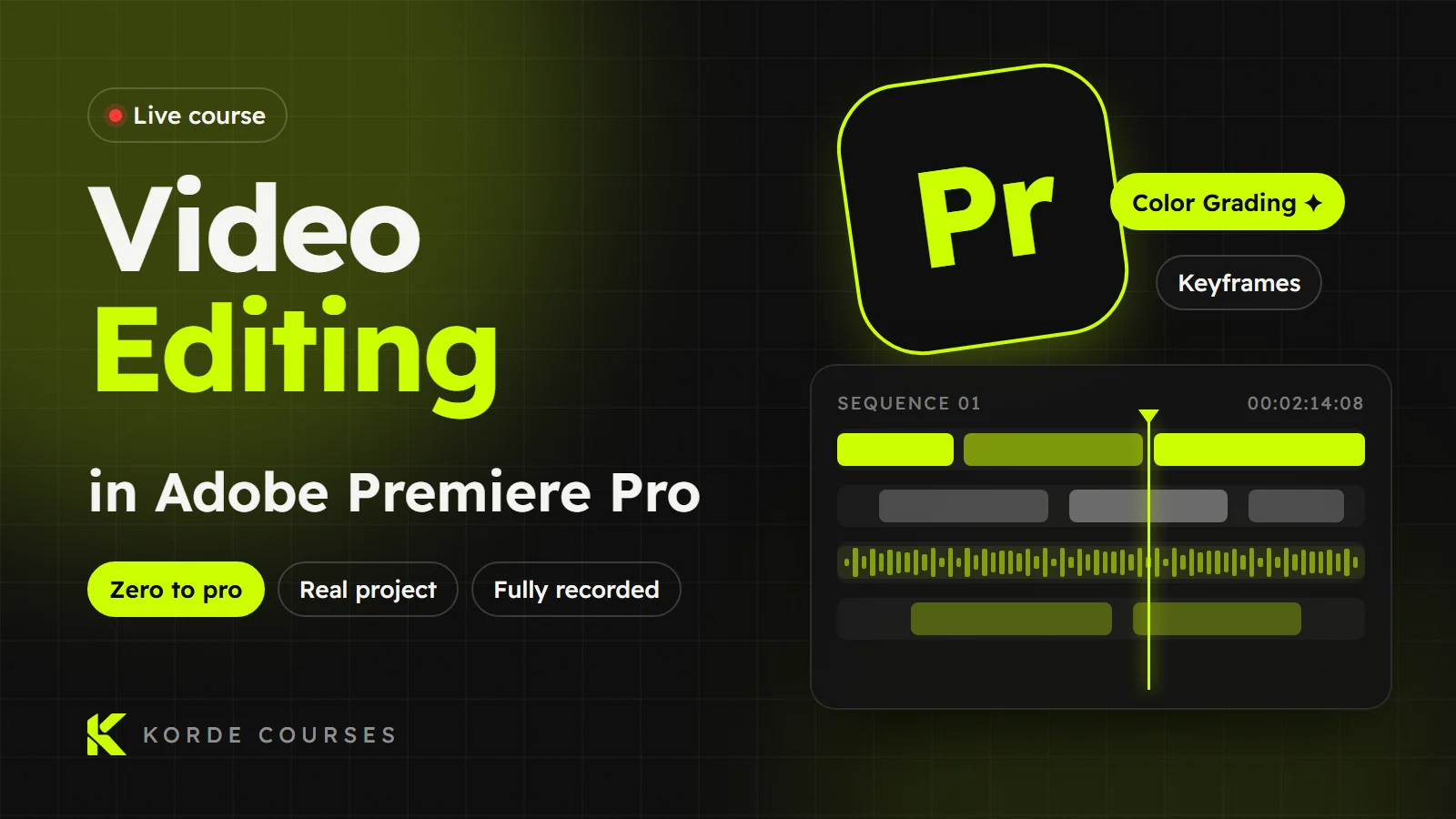
The Complete Video Editing Course – From Zero to Pro
In this course you'll learn video editing hands-on from the very beginning, even if it's your first time opening an editing program.
We'll start with the fundamentals of video and editing, then move step by step into Adobe Premiere Pro and work on real projects until you can make professional videos on your own.
The course is 8 lectures, each lasting between an hour and a half and two and a half hours, at one lecture per week. Everyone is added to their own group, and we hold a meeting to pick the day that suits each group.
What will you learn in the course?
• The fundamentals of video and editing, how scenes are built, and how to connect shots professionally.
• A full tour of the Premiere Pro interface and the most important editing tools.
• Importing files, organising your project and working with the Timeline like a pro.
• Cutting videos, arranging scenes, controlling video speed, and adding text and basic adjustments.
• Cinematic transitions, their types, and how to use each one correctly.
• Adding visual effects, how they affect your scenes, and how they make a video look more professional.
• Understanding color in video, and how to use Color Correction and Color Grading to improve the look of a video and give it a cinematic feel.
• Key concepts such as Exposure, RAW and LOG, and how to handle lighting and color.
• Complete practical projects during the course to apply every skill hands-on.
• Exporting with the best settings for social media, YouTube and other platforms.
By the end of the course you'll be able to:
✔ Professionally edit all kinds of videos
✔ Color grade like a professional
✔ Create videos for social media and YouTube
✔ Deliver real projects and start working as a video editor
The course is fully suitable for complete beginners and requires no previous experience.
What you'll learn
- Learn video editing from scratch with no previous experience
- A real understanding of video and editing fundamentals, and how to build a story from shots
- Master the Adobe Premiere interface and the most important tools used in projects
- Work on a practical project from the start of the course, applying everything you learn step by step
- Learn to cut videos, organise shots, control speed and stabilise shaky footage
- Understand professional transitions and when to use each type correctly
- Learn to add and understand visual effects, and animate elements with Keyframes
- Understand color from the basics to a pro level, and how it affects the viewer's emotions
- Learn Color Correction to fix colors professionally
- Learn Color Grading to give your video a cinematic look and a distinctive visual identity
- Master the Lumetri Color tools and work with Curves, Color Wheels and HSL Secondary
- Add titles and text professionally and animate them in your video
- Learn Masking to isolate elements and apply effects professionally
- Understand audio in editing, and how to handle dialogue, music and sound effects
- Improve audio quality, remove noise, and add and sync a voice-over with your video
- Understand exporting professionally, and the difference between Codecs, Bitrate and Formats to get the best quality at the smallest size
- Learn how a professional editor thinks — not just how to use the software
- Live lectures
- Small groups
- Lifetime access to the lectures
- All lectures recorded